Fone Gate Smart Headphone
Hear Every Detail. Feel Every Beat
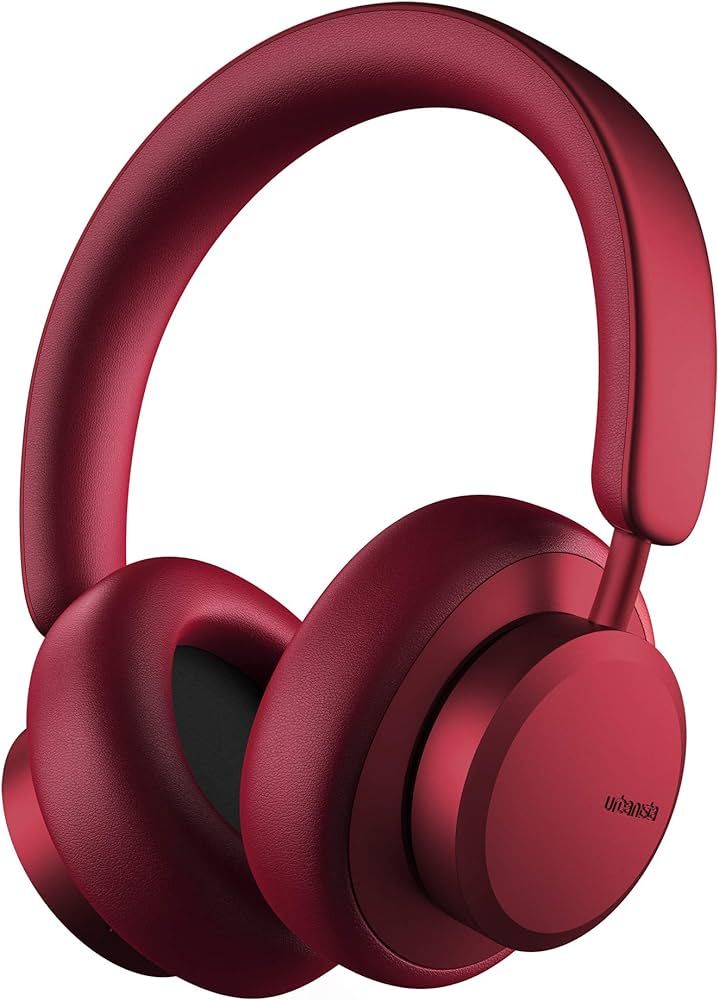
Immerse yourself in crystal-clear audio with our premium wireless headphones, designed for exceptional comfort and all-day performance. Featuring rich bass, balanced highs, and advanced noise isolation, every beat, call, and moment comes to life with stunning clarity. The ultra-soft ear cushions and lightweight ergonomic design provide lasting comfort, while the long-lasting battery keeps you connected wherever you go. Whether you’re working, traveling, gaming, or simply relaxing, these headphones deliver the perfect blend of style, comfort, and superior sound quality.
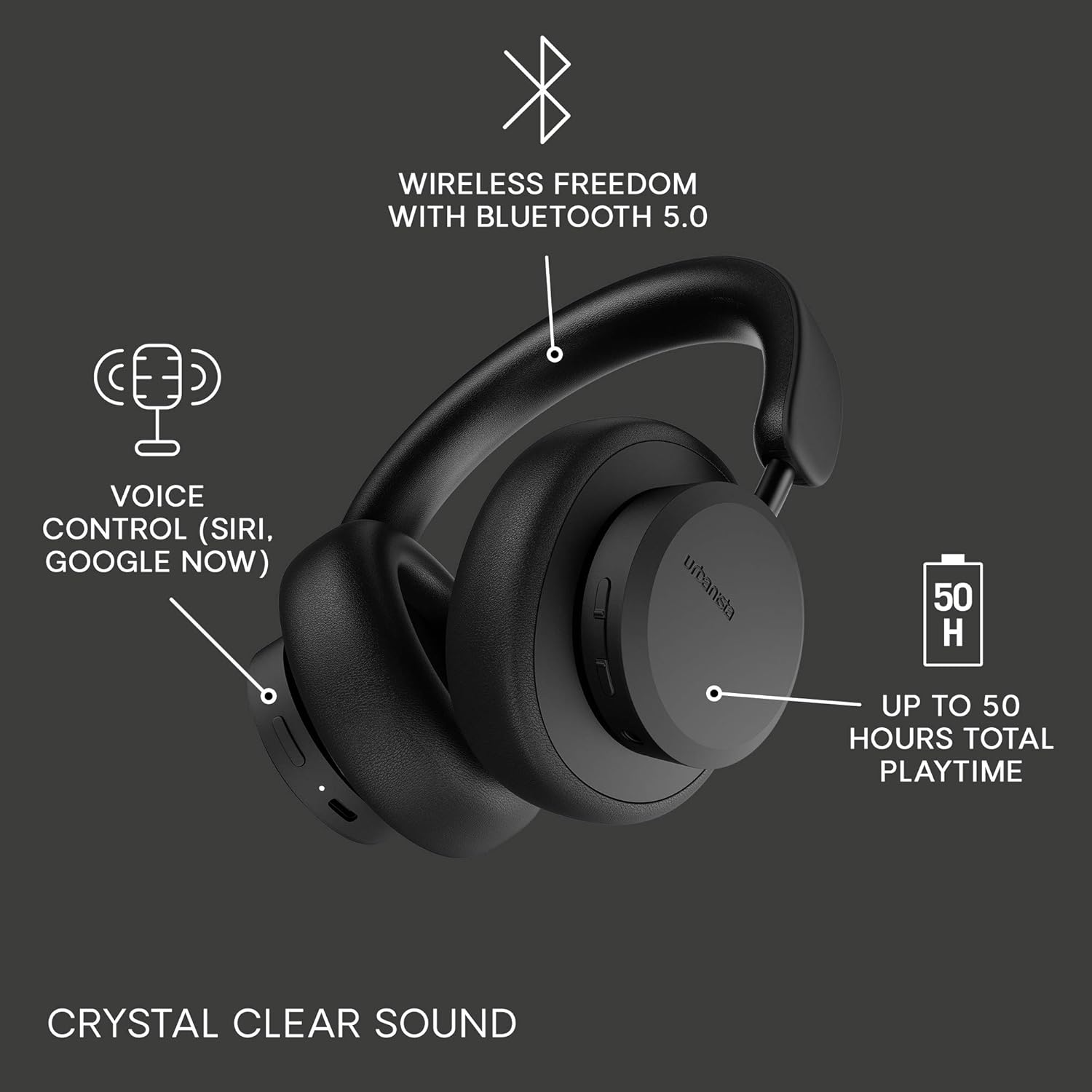
- 🎧 Premium Hi-Fi Stereo Sound
- 🔋 Long-Lasting Battery Life
- 📶 Stable Bluetooth 5.3 Connectivity
- 🎤 Built-in HD Microphone for Clear Calls
- 🛋️ Soft Memory Foam Ear Cushions
- 🌍 Lightweight & Comfortable for All-Day Wear
- ⚡ Fast Charging Technology
- 🎵 Deep Bass with Crystal-Clear Audio

How To Use
1. Charge the Headphones
Before first use, fully charge your headphones using the included USB charging cable. A full charge ensures the best battery performance.
2. Power On
Press and hold the Power button for about 3–5 seconds until the LED indicator lights up or you hear the power-on voice prompt.

3. Pair with Your Device
- Turn on Bluetooth on your smartphone, tablet, laptop, or other compatible device.
- Select FGsmart Wireless Headphones (or the device name shown) from the list of available Bluetooth devices.
- Once connected, you’ll hear a confirmation tone.
4. Enjoy Your Audio
Play your favorite music, podcasts, movies, or games with rich, immersive sound.
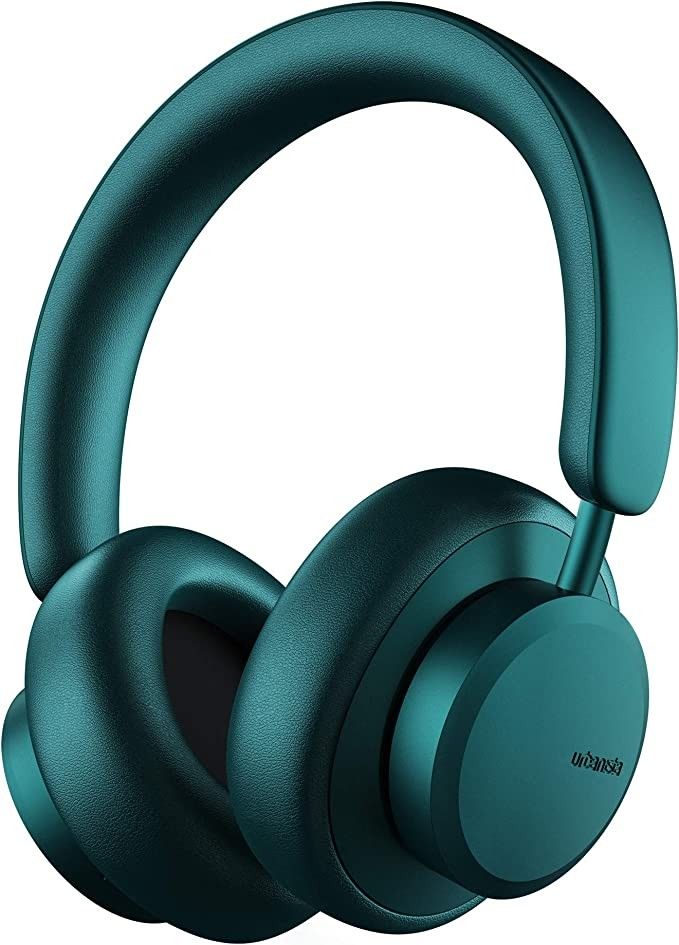
5. Control Your Playback
Use the buttons on the headphones to:
- ▶️ Play or pause music
- ⏭ Skip to the next track
- ⏮ Return to the previous track
- 🔊 Increase or decrease volume
- 📞 Answer or end phone calls
6. Recharge When Needed
When the battery is low, connect the headphones to the charger. The LED indicator will show the charging status and turn solid (or change color) when fully charged.
Tips for the Best Experience
- Keep your Bluetooth device within 10 meters (33 feet) for a stable connection.
- Store the headphones in a cool, dry place when not in use.
- Clean the ear cushions with a soft, dry cloth to maintain comfort and appearance.
- Turn off the headphones after use to extend battery life.
Simple. Comfortable. Powerful.
Enjoy premium sound wherever life takes you.